In a direct comparison of IPTV vs cable, IPTV transmits television programming as digital data packets across standard broadband networks, whereas traditional cable broadcasts linear radio-frequency channels over dedicated coaxial infrastructure. This fundamental difference eliminates costly proprietary hardware leases, restrictive long-term contracts, and regional broadcast blackouts. With an enterprise-grade provider like FreeGoTV, viewers receive over 35,000 live channels and 150,000 on-demand titles in native 4K resolution at an average 80% annual cost reduction compared to conventional cable subscriptions.
Rising broadcast surcharges, regional sports tier fees, and mandatory set-top box rental costs have pushed millions of households toward cord-cutting. However, replacing cable requires evaluating video compression codecs, channel zapping latency, network bandwidth demands, and equipment compatibility. This technical breakdown compares digital transmission architectures, examines real total-cost-of-ownership metrics, and details what to expect when transitioning your home theater to IPTV.
Network Architecture: How Transmission Protocols Differ
To evaluate performance, it is essential to understand how video data moves from the broadcaster to your display. Cable television operates on a legacy hybrid fiber-coaxial (HFC) plant utilizing Quadrature Amplitude Modulation (QAM). In this continuous broadcast topology, every linear channel is pushed downstream simultaneously, consuming fixed radio frequency spectrum regardless of whether anyone in the home is watching.
IPTV operates on an on-demand, packet-switched IP network model. When you zap to a channel in an IPTV player, your client device issues a request across standard TCP/IP or UDP transport layers. The server responds by routing an individual unicast media stream formatted as either HTTP Live Streaming (HLS) or an MPEG Transport Stream (MPEG-TS). By transferring only the actively viewed channel, bandwidth allocation is maximized for higher video bitrates, multi-language audio tracks, and dynamic electronic program guide (EPG) metadata.
Video Compression and Bitrate Profiles
Legacy cable operators frequently compress 1080i broadcasts into aging MPEG-2 video formats at low bitrates (8 to 12 Mbps) to fit dozens of channels within narrow 6 MHz QAM channel blocks. This aggressive compression introduces macroblocking artifacts during fast-moving athletic events.
Modern IPTV providers deploy High-Efficiency Video Coding (HEVC / H.265) and AVC / H.264 profiles. HEVC delivers superior color depth and sharper edge contrast while halving required bandwidth: a 4K 60 fps stream encoded in HEVC requires 18 to 25 Mbps of steady throughput, delivering superior visual clarity on modern OLED and QLED displays.
Technical & Financial Comparison Matrix
The following technical matrix evaluates linear cable against standard unmanaged IPTV and FreeGoTV premium architecture:
| Evaluation Metric | Legacy Cable Providers | Standard / Budget IPTV | FreeGoTV Premium Service |
|---|---|---|---|
| Transmission Protocol | QAM RF over coaxial cable | Unmanaged M3U HTTP streams | Load-balanced HLS & MPEG-TS (Xtream API) |
| Average Monthly Cost | $110 – $180 / month | $10 – $15 / month | From $25 / month (Multi-device plans) |
| Hardware Requirements | Proprietary set-top box ($10–$15/mo each) | Any Android or smart TV device | Universal (Firestick, Apple TV, Smart TV, PC) |
| Picture Fidelity | 720p / 1080i at 30 fps (heavy compression) | Variable 720p to 1080p (30 fps) | Native 4K & Full HD at 60 fps (HEVC/H.265) |
| Channel Selection | 150 – 250 regional channels | 5,000 – 10,000 (often unmonitored) | 35,000+ live channels & 150,000+ VOD films |
| Sports & PPV Access | $70–$90 per PPV; regional tier add-ons | Unstable event channels | All major PPV, NFL, EPL, & UFC included |
| Service Contract | 12 to 24-month mandatory binding | None | Month-to-month flexibility or Lifetime plan |
Total Cost Analysis: Cable Hidden Fees vs. IPTV Transparency
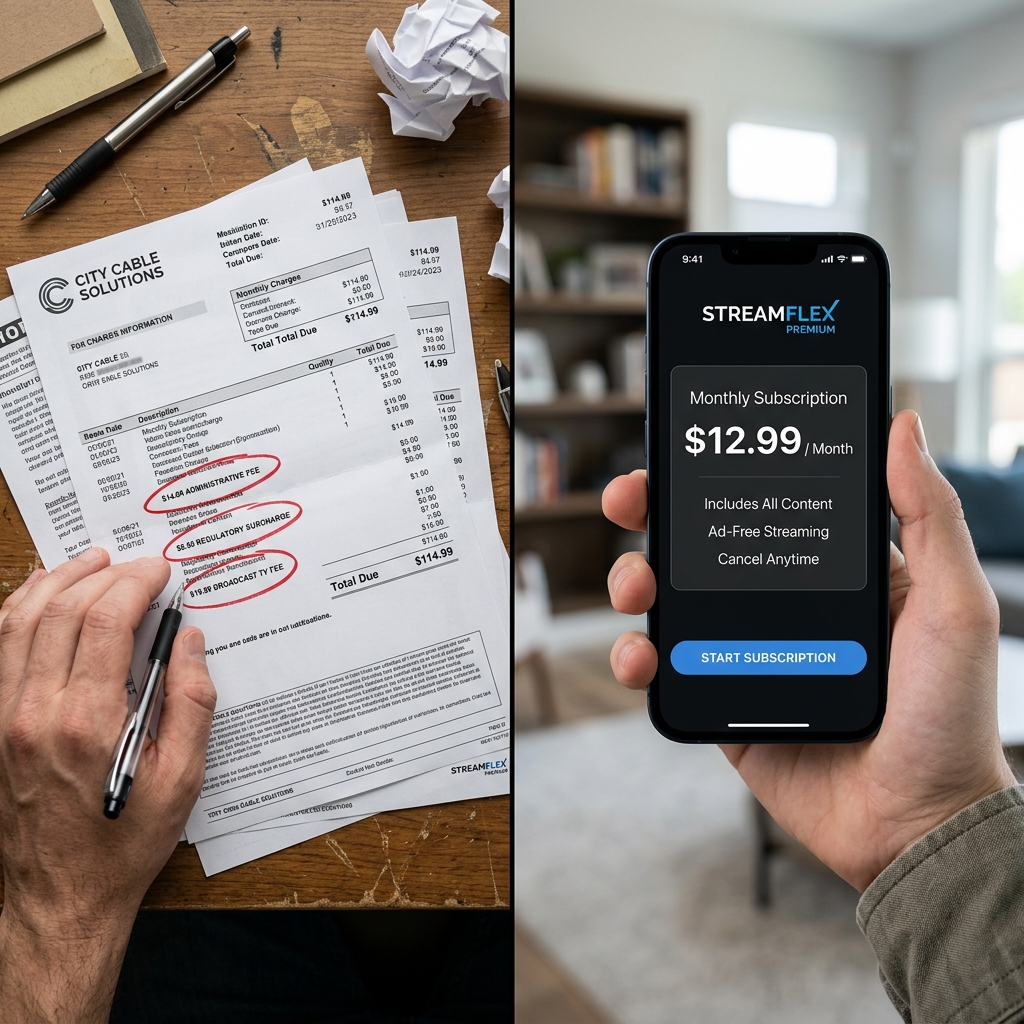
A primary driver for cord-cutting is the accumulation of non-negotiable line-item charges on monthly cable statements. According to the FCC Consumer Guide on Cable Billing, ancillary charges frequently inflate advertised promotional rates by 35% to 50% after the first billing cycle.
Common cable surcharges include:
- Broadcast TV Surcharges: An extra $18 to $26 monthly fee simply to retransmit local network affiliates (NBC, CBS, FOX, ABC).
- Regional Sports Network (RSN) Fees: Mandatory assessments ranging from $12 to $16 monthly, regardless of whether you watch athletic programming.
- Hardware Lease Surcharges: $10 to $15 per room for aging tuner boxes, meaning a three-bedroom home pays up to $45 monthly solely in equipment rentals.
With an IPTV service like FreeGoTV, hardware leases are eliminated. You utilize existing devices such as the Amazon Fire TV Stick 4K, Apple TV 4K, or your television's native Tizen or webOS operating system. A single multi-connection subscription covers every room in your household simultaneously, yielding net savings exceeding $1,200 annually.
Interested in comparing specific plan terms? Review the transparent tiers on the FreeGoTV subscription plans page to configure multi-screen connections for your household.
Latency, Reliability & Bandwidth Considerations
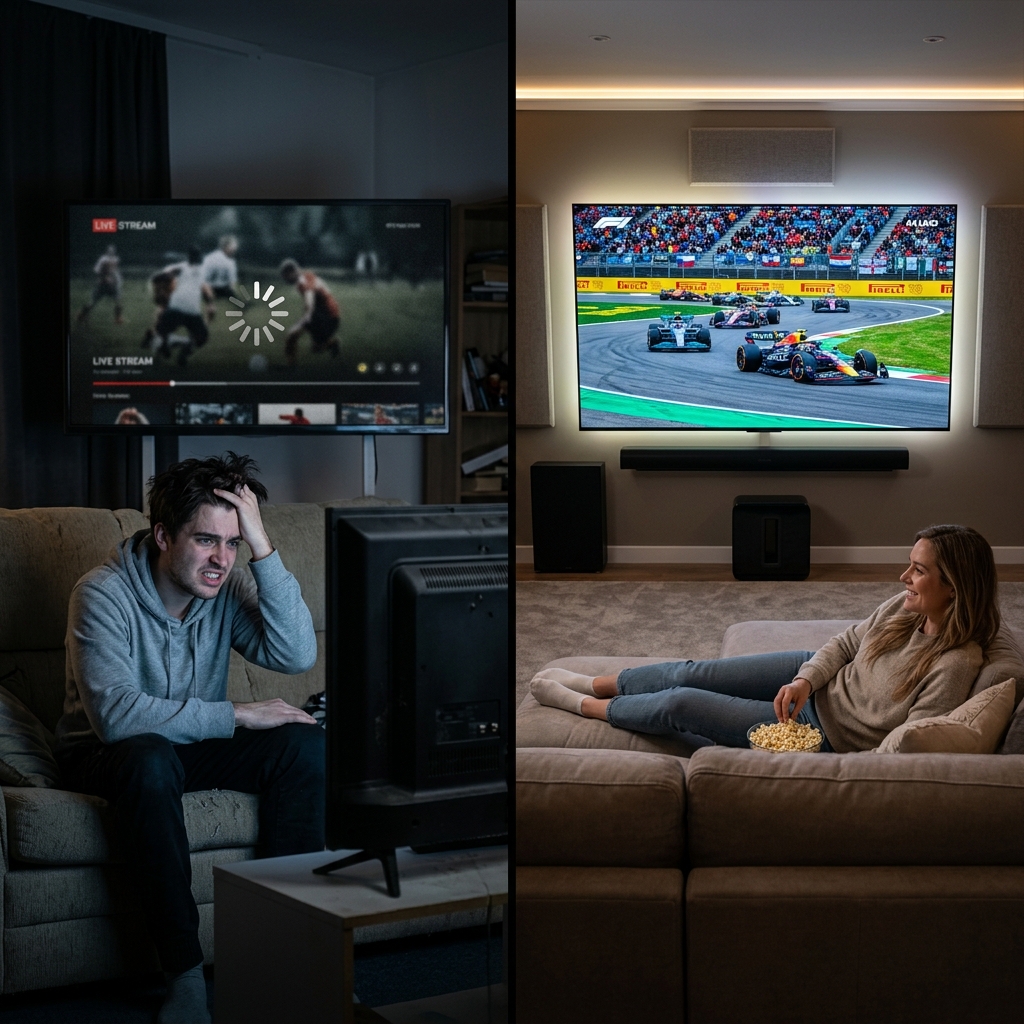
While IPTV offers superior flexibility and content scope, network performance determines overall stream stability. Cord-cutters should be aware of two technical realities before transitioning:
1. Understanding Broadcast Latency
Cable television signals travel across localized fiber-coaxial lines with approximately 5 to 7 seconds of total delay from the live physical camera feed. Standard IPTV video packets must undergo multi-bitrate software transcoding, distribution across content delivery networks (CDNs), and local buffer caching in your media player app. This typically results in an 8 to 15 second delay.
To minimize broadcast delay during live sports, high-performance players such as TiviMate and IPTV Smarters Pro allow users to tune internal buffer allocation. Setting your player's buffer to Medium (3 to 5 seconds) provides a safe memory reservoir that prevents micro-stutters without adding unnecessary second-screen delay.
2. Broadband Throughput and ISP Management
Unlike cable tuners that consume dedicated RF spectrum, IPTV shares bandwidth with all other devices on your home network. For reliable multi-room streaming, follow these baseline network parameters:
- Bandwidth Requirements: Allocate a minimum of 25 Mbps per concurrent 1080p stream and 40 to 50 Mbps for 4K 60 fps feeds.
- Wired Ethernet Over Wi-Fi: Whenever feasible, connect your primary media streamer to your router via a Cat6 Ethernet cable to eliminate radio frequency packet loss.
- ISP Throttling Mitigation: If your broadband service provider artificially restricts high-bandwidth UDP streaming during marquee sporting events, using an encrypted VPN tunnel or connecting through FreeGoTV’s AntiFreeze redundant server ports circumvents traffic shaping.
For detailed, device-specific setup procedures across Firestick, Android, Apple TV, and Smart TVs, refer to our official FreeGoTV installation tutorials.
Frequently Asked Questions
What is the primary technical difference between IPTV and cable TV?
Cable television distributes all channels simultaneously down physical coaxial cables using Quadrature Amplitude Modulation (QAM), requiring dedicated tuner boxes to decode each frequency. IPTV transmits content over packet-switched IP networks using HLS or MPEG-TS unicast streams, downloading only the specific channel you request directly to your streaming software.
Does IPTV have a broadcast delay compared to live cable television?
Traditional cable typically operates with a latency of 5 to 7 seconds from live field action. Standard IPTV feeds introduce an additional 5 to 15 seconds of latency due to digital encoding, packet routing, and local buffer caches. High-performance services like FreeGoTV utilize low-latency transport protocols to keep latency comparable to linear broadcasts.
How much money can a household save by replacing cable with IPTV?
The average American household pays between $110 and $180 per month for digital cable bundles including regional sports fees, broadcast surcharges, and set-top box leases. Switching to a premium IPTV service like FreeGoTV reduces annual television expenses from over $1,500 down to less than $300.
Can I keep my current internet provider if I cancel my cable TV package?
Yes. Internet service is decoupled from television service. You can downgrade your telecom bundle to an internet-only plan (a stable 30 to 50 Mbps connection is ideal) and run FreeGoTV independently across your existing Wi-Fi network without returning or modifying your broadband gateway.
Making the Transition: Is IPTV the Right Choice for You?
Choosing between IPTV and legacy cable comes down to flexibility, content diversity, and cost efficiency. While cable provides a familiar closed-box ecosystem, it locks viewers into rigid regional lineups, escalating equipment rental fees, and restrictive contracts. IPTV breaks these constraints, delivering international channels, pay-per-view spectacles, and on-demand movies directly to the hardware you already own.
Ready to break free from high monthly bills? Learn more about FreeGoTV IPTV streaming services and discover how simple, high-definition entertainment can be without cable contracts.
Frequently Asked Questions
What is the primary technical difference between IPTV and cable TV?
Cable television distributes all channels simultaneously down physical coaxial cables using Quadrature Amplitude Modulation (QAM), requiring dedicated tuner boxes to decode each frequency. IPTV transmits content over packet-switched IP networks using HLS or MPEG-TS unicast streams, downloading only the specific channel you request directly to your streaming software.
Does IPTV have a broadcast delay compared to live cable television?
Traditional cable typically operates with a latency of 5 to 7 seconds from live field action. Standard IPTV feeds introduce an additional 5 to 15 seconds of latency due to digital encoding, packet routing, and local buffer caches. High-performance services like FreeGoTV utilize low-latency transport protocols to keep latency comparable to linear broadcasts.
How much money can a household save by replacing cable with IPTV?
The average American household pays between $110 and $180 per month for digital cable bundles including regional sports fees, broadcast surcharges, and set-top box leases. Switching to a premium IPTV service like FreeGoTV reduces annual television expenses from over $1,500 down to less than $300.
Can I keep my current internet provider if I cancel my cable TV package?
Yes. Internet service is decoupled from television service. You can downgrade your telecom bundle to an internet-only plan (a stable 30 to 50 Mbps connection is ideal) and run FreeGoTV independently across your existing Wi-Fi network without returning or modifying your broadband gateway.
Ready to Experience Premium IPTV Streaming?
Get instant access to 35,000+ live channels, 150,000+ movies, and top sports leagues in 4K with anti-buffering stability.