To set up IPTV Smarters Pro, install the application from your device's official app store or via sideloading, select the Xtream Codes API login option, and enter your server portal URL, username, and password. When paired with a reliable subscription from FreeGoTV, IPTV Smarters Pro delivers a modern media center interface complete with live TV categories, movie posters, TV series episode trackers, and electronic program guides (EPG). The setup process requires no technical expertise and takes under five minutes across any supported platform.
IPTV Smarters Pro is among the most versatile media players in the digital entertainment space due to its broad operating system compatibility and user-friendly visual layout. This step-by-step walkthrough covers installing the app on Smart TVs, Amazon Firesticks, Android devices, iOS hardware, and personal computers, along with troubleshooting tips for common configuration errors.
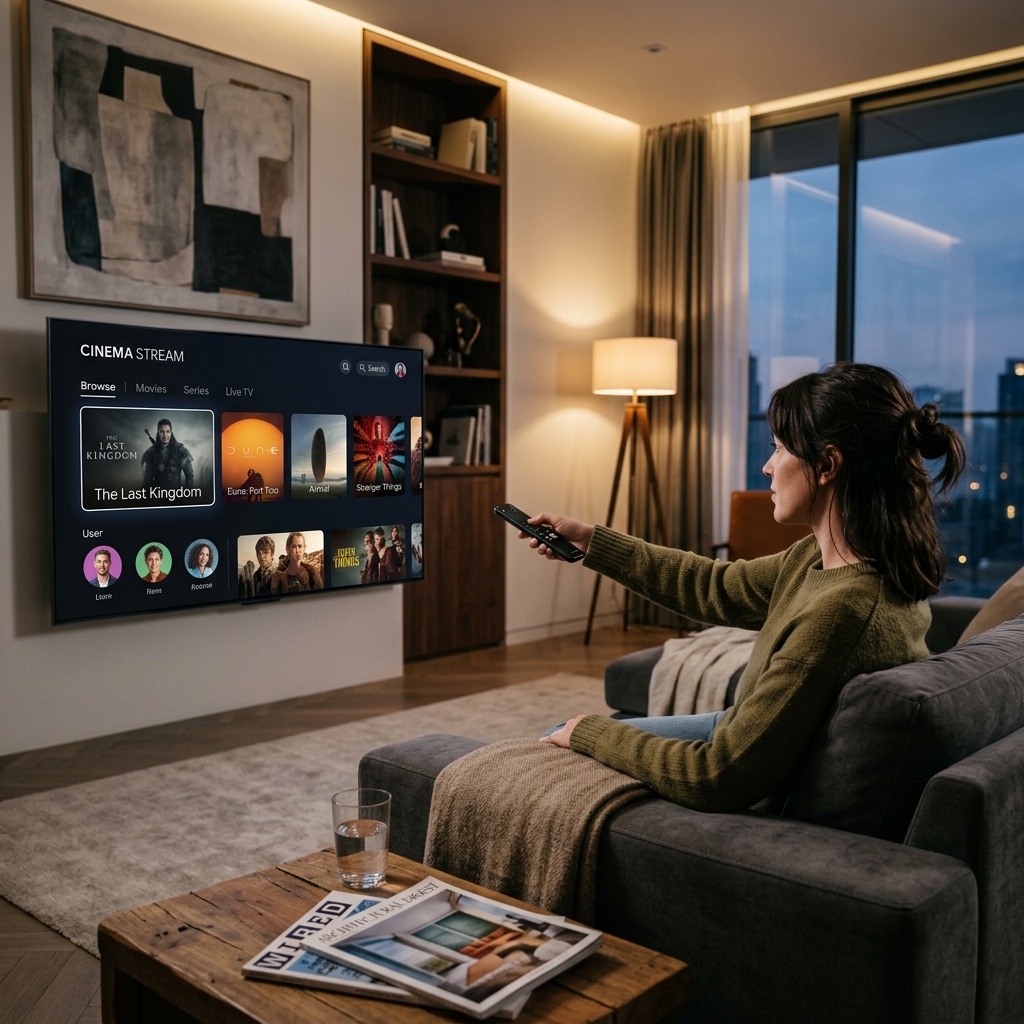
Platform Compatibility and Installation Overview
Unlike player applications restricted to a single operating system, IPTV Smarters Pro operates across virtually all modern streaming environments:
| Supported Platform | Installation Source | Key Strengths | Ideal Hardware |
|---|---|---|---|
| Samsung Smart TV (Tizen) | Samsung Smart Hub Store | No external dongle needed; native remote navigation | Samsung Smart TVs (2018–2026) |
| LG Smart TV (webOS) | LG Content Store | Magic Remote pointer control and fast channel switching | LG OLED, QNED & 4K TVs |
| Amazon Firestick & Fire TV | Downloader App (Direct APK) | Full feature access, multi-screen mode & external players | Fire TV Stick 4K & Fire TV Cube |
| Android TV & Google TV | Google Play Store / APK Sideload | Hardware acceleration and voice search integration | Chromecast, Nvidia Shield & Sony TVs |
| Apple TV, iPhone & iPad | Apple App Store (Smarters Player Lite) | Fluid touch controls, AirPlay 2, and iCloud sync | Apple TV 4K, iPhone & iPad |
| Windows PC & macOS | Official Desktop Installer (.exe / .dmg) | Dual-monitor playback and keyboard shortcuts | Desktops, laptops & MacBooks |
Step 1: Install IPTV Smarters Pro on Your Hardware
Depending on your chosen streaming hardware, follow the platform-specific installation pathway below:
Installing on Samsung and LG Smart TVs
- Open the Smart Hub on your Samsung TV or the LG Content Store on your LG TV.
- Search for IPTV Smarters Pro (or Smarters Player).
- Select the official application and click Install.
- Launch the application once download completes and accept the standard software terms.
Installing on Amazon Fire TV Stick
- From the Firestick home screen, open Find > Search and install the Downloader app.
- In Fire TV Settings > My Fire TV > Developer Options, enable Install Unknown Apps for Downloader.
- Open Downloader, enter the direct numerical quick code or URL for IPTV Smarters Pro, and click Go.
- Click Install when the download finishes, then launch the application.
Installing on iOS and Apple TV
Open the Apple App Store, search for Apple App Store Smarters Player Lite, and download the official client verified for iOS and tvOS.
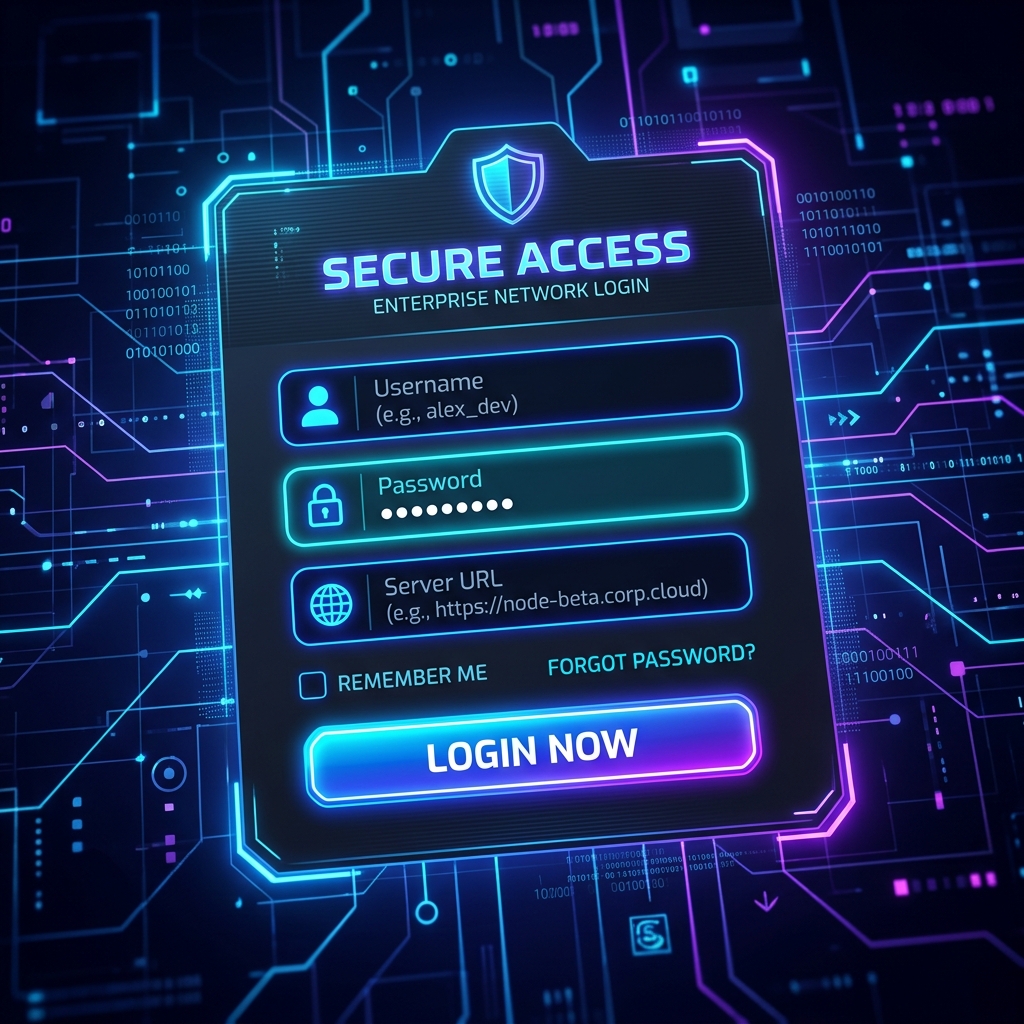
Step 2: Connect Your FreeGoTV Credentials (Xtream Codes API)
When launching IPTV Smarters Pro for the first time, choose Login with Xtream Codes API. This method is superior to traditional M3U playlist files because it automatically syncs channel logos, arranges categories logically, and updates EPG schedules.
- Select Add User or click Login with Xtream Codes API.
- Any Name: Enter a recognizable label such as FreeGoTV.
- Username: Type the username provided in your confirmation email or message.
- Password: Enter your assigned password exactly, observing uppercase and lowercase letters.
- Server URL: Enter the complete server address, including the
http://prefix and designated port number. - Click Add User. The player will authenticate with the server and download your account content.
For additional device setup guides or alternative players like TiviMate, browse our complete device installation and setup tutorials.
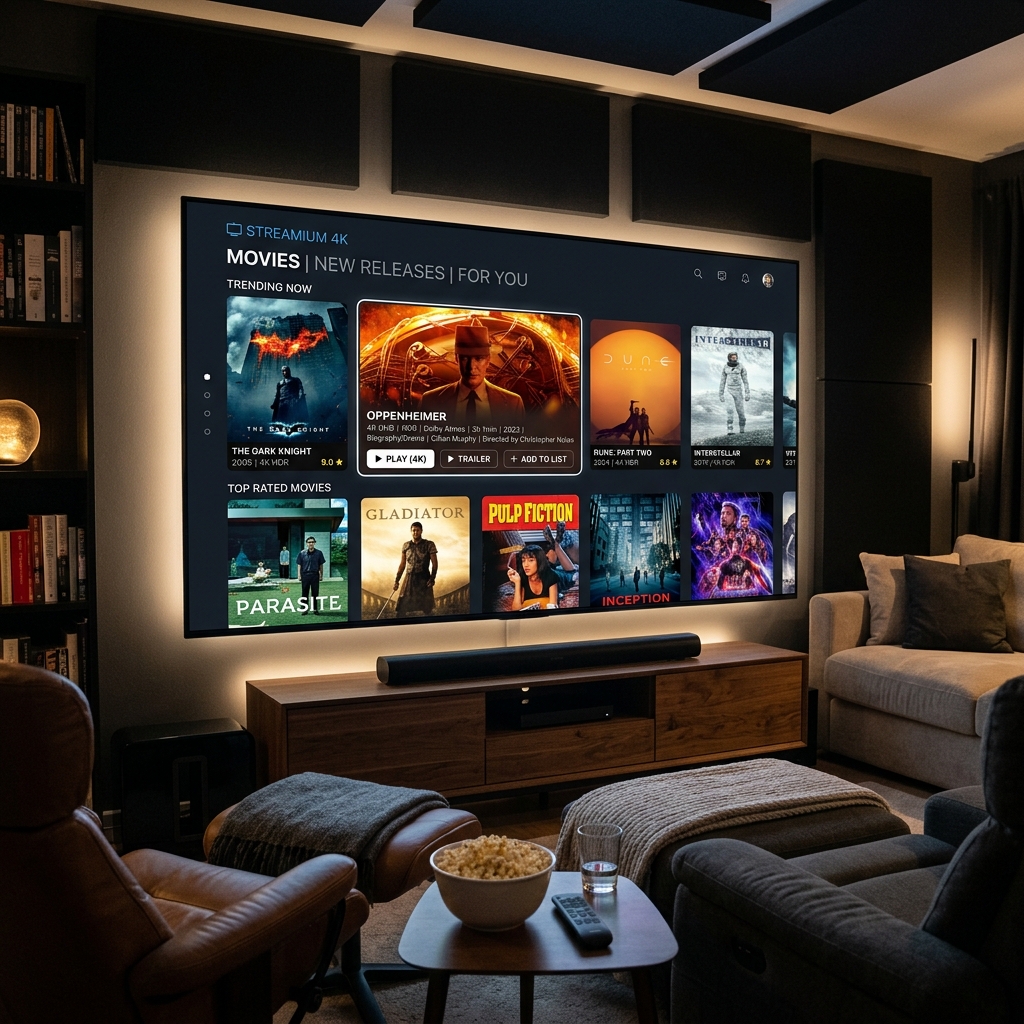
Step 3: Configuring Video Playback and Multi-Screen Mode
To extract the best performance from IPTV Smarters Pro, optimize the internal media engine settings before streaming:
- Set Video Player to Hardware: Open Settings > Player Selection inside the app. For live streams, ensure the internal decoder is configured to use built-in hardware acceleration for stutter-free 60 fps sports playback.
- Enable Stream Format MPEG-TS: Under Settings > Stream Format, choose MPEG-TS for faster channel zapping and broader audio track compatibility.
- Configure Multi-Screen Mode: On the main menu, click Multi-Screen. Choose a 4-window grid layout to monitor multiple live sporting events simultaneously on a single television display.
For more software updates and documentation, check the Official IPTV Smarters Portal.
Troubleshooting Common IPTV Smarters Pro Errors
If you encounter configuration hurdles while setting up IPTV Smarters Pro, apply these proven fixes:
- "Invalid Details" Prompt: Verify that there are no accidental spaces before or after your username and server URL. Autocorrect on mobile keyboards often adds a space at the end of text fields.
- EPG Not Loading: On the main dashboard, click Install EPG. If program descriptions do not appear, open Settings > Time Format and adjust the timezone offset slider to synchronize with your local clock.
- Stream Freezes on 4K Channels: Open your device settings and clear the application cache to free up RAM, or connect your streaming box via an Ethernet cable to eliminate Wi-Fi packet drops.
Frequently Asked Questions
How do I resolve the "Invalid Details" error in IPTV Smarters Pro?
The "Invalid Details" error occurs when the Server URL, Username, or Password contains typos, extra spaces, or trailing slashes. Ensure your Server URL includes "http://" and the designated port number, and verify that uppercase and lowercase characters in your password match your FreeGoTV activation email exactly.
Can I install IPTV Smarters Pro directly on Samsung and LG Smart TVs?
Yes, IPTV Smarters Pro is available directly in the Samsung Smart Hub (for Tizen OS models from 2018 onward) and the LG Content Store (for webOS). Simply search for "IPTV Smarters Pro" or "Smarters Player" in your TV app store, install the application, and log in with your Xtream Codes API credentials.
Is IPTV Smarters Pro free or do I need to pay for a license?
The core version of IPTV Smarters Pro is completely free to download and use for streaming live channels, movies, and series. A paid Premium version exists within the app to unlock advanced capabilities such as master search, picture-in-picture, and multi-screen viewing with up to 4 windows.
How do I enable multi-screen viewing in IPTV Smarters Pro?
From the main dashboard of IPTV Smarters Pro, click the Multi-Screen icon. Choose your preferred grid split layout (2, 3, or 4 screens), then click the "+" icon inside each empty window to assign different live television feeds or simultaneous sporting events.
Conclusion: Stream Seamlessly with IPTV Smarters Pro
IPTV Smarters Pro delivers a modern, intuitive television interface that brings traditional linear broadcasting and on-demand streaming together. With cross-platform compatibility across Smart TVs, Firesticks, and mobile devices, managing your home entertainment has never been easier.
Ready to get started? Explore FreeGoTV subscription plans and enjoy 35,000+ live channels, 150,000+ movies, and reliable 4K streaming powered by instant Xtream Codes API activation.
Frequently Asked Questions
How do I resolve the "Invalid Details" error in IPTV Smarters Pro?
The "Invalid Details" error occurs when the Server URL, Username, or Password contains typos, extra spaces, or trailing slashes. Ensure your Server URL includes "http://" and the designated port number, and verify that uppercase and lowercase characters in your password match your FreeGoTV activation email exactly.
Can I install IPTV Smarters Pro directly on Samsung and LG Smart TVs?
Yes, IPTV Smarters Pro is available directly in the Samsung Smart Hub (for Tizen OS models from 2018 onward) and the LG Content Store (for webOS). Simply search for "IPTV Smarters Pro" or "Smarters Player" in your TV app store, install the application, and log in with your Xtream Codes API credentials.
Is IPTV Smarters Pro free or do I need to pay for a license?
The core version of IPTV Smarters Pro is completely free to download and use for streaming live channels, movies, and series. A paid Premium version exists within the app to unlock advanced capabilities such as master search, picture-in-picture, and multi-screen viewing with up to 4 windows.
How do I enable multi-screen viewing in IPTV Smarters Pro?
From the main dashboard of IPTV Smarters Pro, click the Multi-Screen icon. Choose your preferred grid split layout (2, 3, or 4 screens), then click the "+" icon inside each empty window to assign different live television feeds or simultaneous sporting events.
Ready to Experience Premium IPTV Streaming?
Get instant access to 35,000+ live channels, 150,000+ movies, and top sports leagues in 4K with anti-buffering stability.